For video game releases you’re interested in, a useful feature might be the ability to create reminders for dates that are coming up.
Recently, I’ve been working on a Google Calendar integration to create events and set reminders for upcoming games. I have some things I need to spend more time on, but a happy path flow (with pictures!) is below:
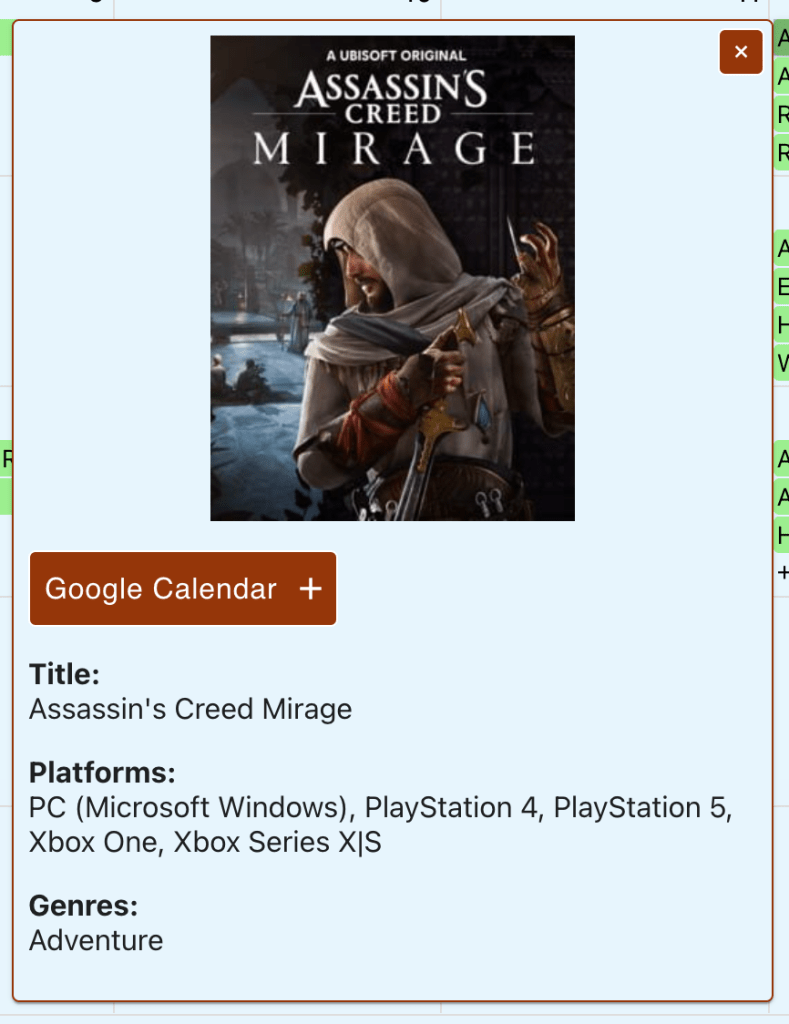
Feature: ‘Google Calendar +’ button is displayed in the game detail card
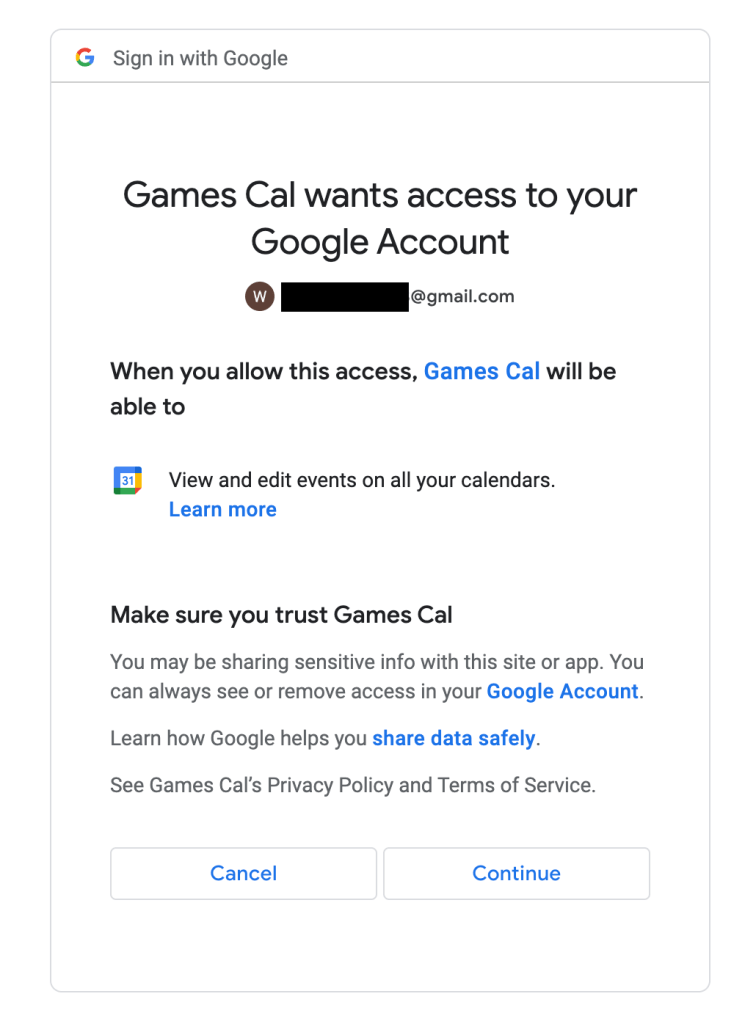
When visiting the site for the first time, you need to authorize permissions for the app to access a personal google calendar
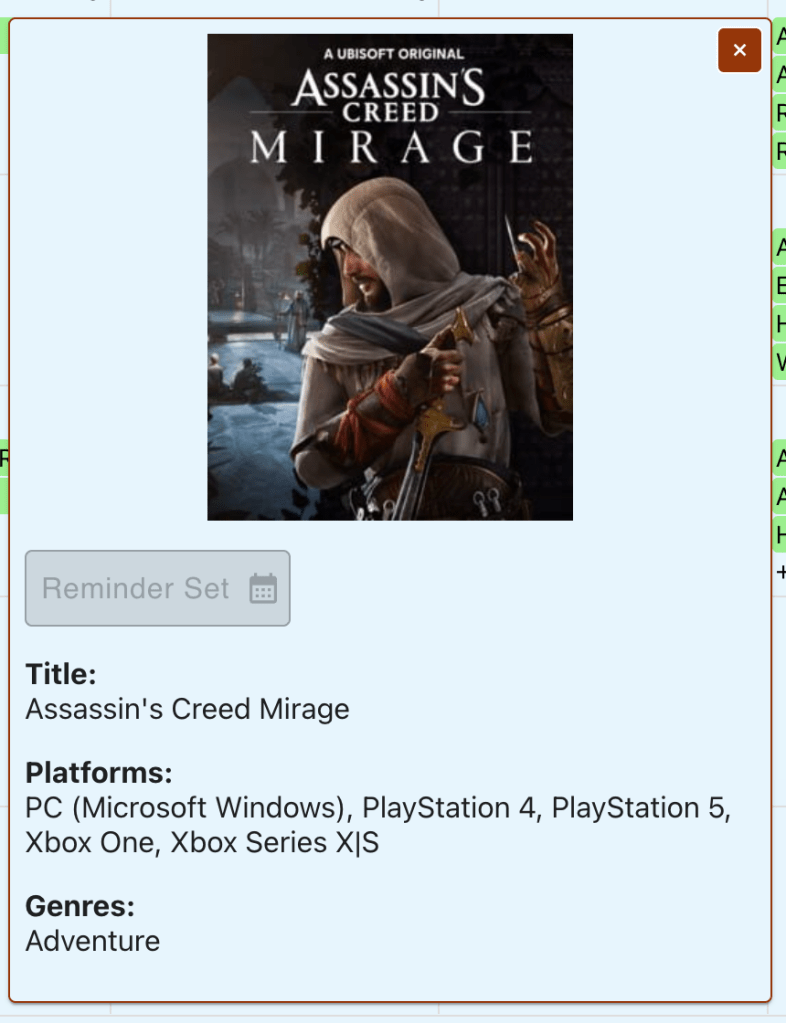
After authorization, if the call to create the event is successful, the button text + icon change and the button disabled
Opening up Google Calendar reveals that the event was successfully created!
The happy path is pretty straightforward, but there are some improvements and additional functionality I want to add to this over time.
Open questions – authentication + authorization
Pickle vs. JSON: Currently, I’m using pickle to serialize credentials, but it’s not human-readable (for a tradeoff of being very fast / efficient). I might switch to JSON even though it comes with a bit more overhead, so I can dig into issues should they arise in this flow (JSON is also widely quite supported so I might want to switch just for that)
Storing tokens: My python calendar service is looking for a credentials file before accessing the Google Calendar API. For more users, the service would have to fetch credentials + permissions for a specific user. In a production app, I would store and retrieve this info from a persistent database and probably avoid storing credentials in localstorage. I’ll likely implement something like this.
Additional event functionality
Customizing Google Calendar reminders: at the moment I am only using default fields, but there’s extensive customization for events
Knowing if a reminder is already set for a specific game: it would be helpful to know if I’ve already created a Google Calendar event reminder for a game. To do this, I could create a reference to the event using (after creation) and tie that set of events to a user. The edge cases could get complicated (ex. user creates event using the app, then deletes the event on google calendar), but I think it could be worthwhile.
Cleanup strategies for game releases that have already passed: it could be a small amount of data with only a few users, but maintaining that data could become expensive with a large set of users. A strategy to, for example, purge the app db references to created events after x period of time (6 months?) might be a way to save space over time.
Next, I think I’ll implement a user model (with PostgreSQL), and a sign-up flow, eventually coming back to build on some feature ideas I’ve laid out above.
I know this post wasn’t code heavy at all, but the next one will contain more code snippets. Thanks for reading.
Recently, I’ve been working on detail cards for individual games. In other words, creating a way to more meaningfully engage with the list of titles presented in the calendar view. Here’s a snippet of it in action:
This post will be split into a few sections:
Creating the detail popper
Cover art and data population
A popover to show hidden games
Creating the detail popper
As a user, I want to interact with a game listed on the calendar to get more information. My first instinct was to use a modal component, but I ultimately decided against this for two reasons: 1. I didn’t want to block scrolling to/clicking on other parts of the page, and 2. I wanted to avoid a component laying on top of the current view.
For context, a popper is a fancy wrapper component to position a popover or tooltip in the UI. The material UI library has a popper component I researched and built on top of for my use case.
To handle clicks on individual items on the calendar, the FullCalendar library exposes an eventClick prop. It comes with a prop, info, that has all of the data related to the event, as well as an HTML reference to the location of the click. Popper requires the anchorEl prop to determine where the pop-up should appear. Without it, the popper will just float in a corner of the screen.
The flow to create a popper on a calendar click event is as follows:
specify eventClick prop on Fullcalendar component
define a function with:
criteria for opening / closing the popper
the anchor element for the popper
any data necessary for the popper
When the open prop is true, the popper opens and data is passed to it. The next section talks about displaying data passed to the popper.
Cover art and data population
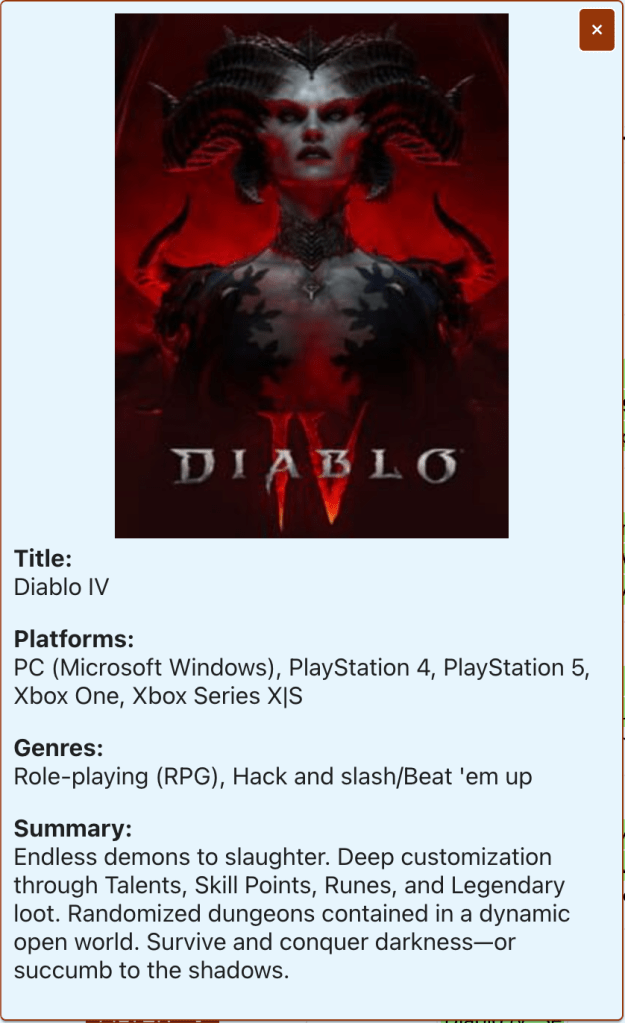
This is a close-up of the detail card in its current iteration. I have game cover art centered at the top, followed by information related to the game. There isn’t too much going on with this card as what is presented is read-only. The most interesting thing that’s going on is fetching the cover art (detailed below).
In the block above (starting with the useEffect hook), as the popper component is created, a loading spinner is displayed and placeholder image loaded as the cover art is fetched. Once loaded, the cover art replaces the placeholder. This usually happens in the blink of an eye, but occasionally you do see the loading spinner for the cover art.
A popover to show hidden games
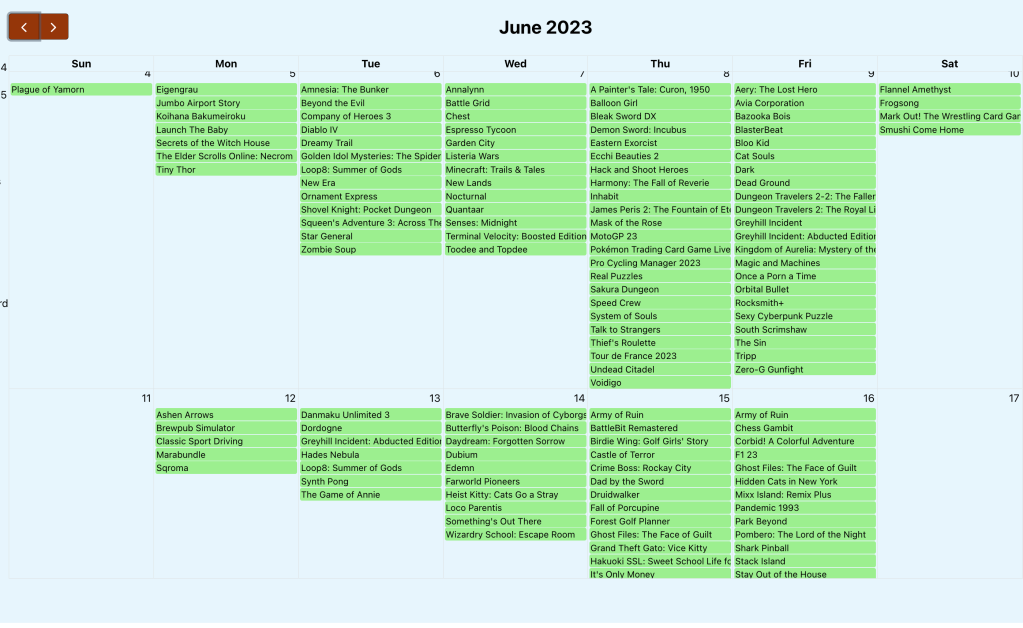
I wanted a way to gracefully handle days where a ton of games are releasing. In the vanilla component, this is what that (less user-friendly) case looks like:
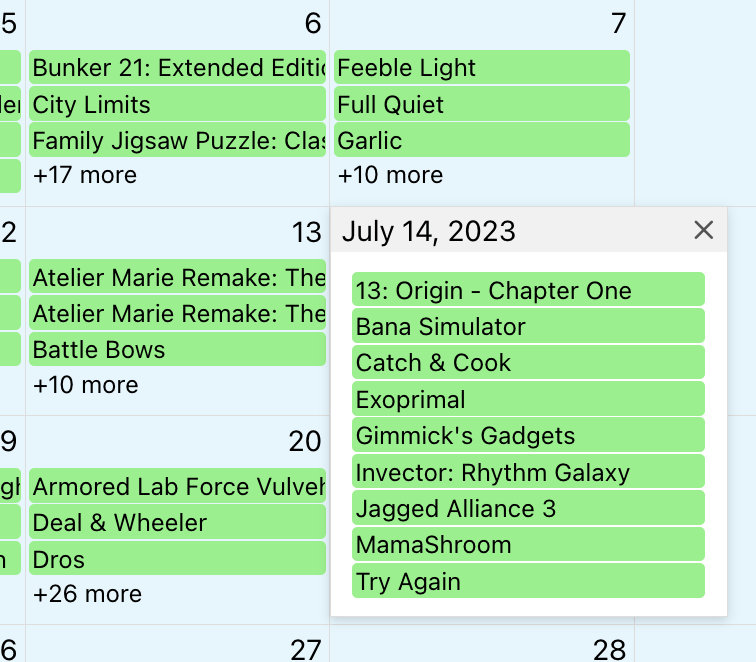
Ideally, I wanted a cutoff with a click to reveal the remainder of games. Fortunately, there are calendar props that allow you to control this, dayMaxEvents and dayMaxEventRows. If you set dayMaxEvents to true, the calendar will control the breakpoint for hiding further events based on window size. This is what the view looks like:
That’s progress, but after looking through the documentation, I couldn’t find a way to control the display when the view more button is clicked.
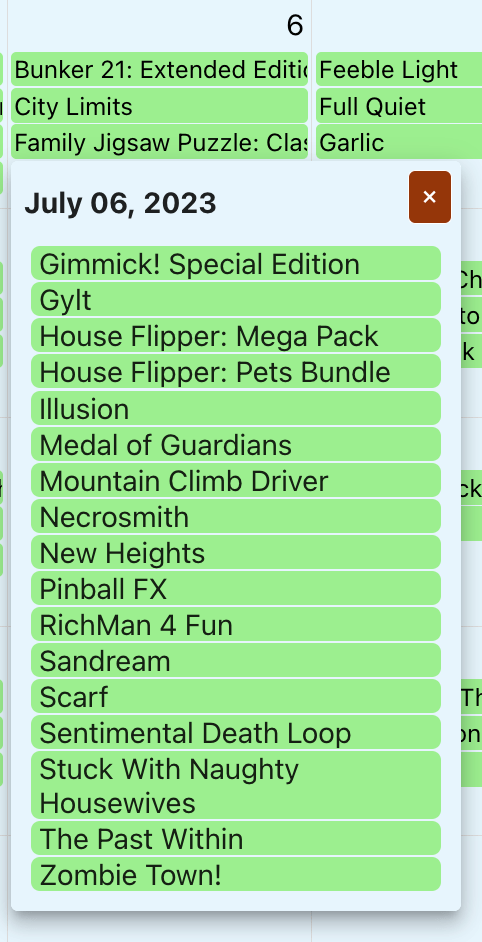
Above is what my solution looks like. My approach for this was to:
set dayMaxEvents to true
overriding the FullCalendar popover by passing ‘ ‘ to moreLinkClick
adding a click listener for show more games
inflating a custom popover
My click listener took some finessing, but the below gets the games based on the date and uses some js to only populate the hidden games.
useEffect(() => {
    const getHiddenGames = event => {
        if (event.target.className === 'fc-daygrid-more-link fc-more-link') {

            // get and format the date
            const displayedDay = event.target.offsetParent.offsetParent
                .firstChild.textContent
            const twoDigitDay = displayedDay.length === 1
                ? `0${displayedDay}` : displayedDay
            const fullDate = calendarRef.current.calendar.currentData.viewTitle
                .replace(' ', ` ${twoDigitDay}, `)
            const formattedDate = moment(fullDate, "MMM DD, YYYY")
                .format('YYYY-MM-DD');

            // filter events for hidden games
            const hiddenGames = events
                .filter(entry => entry.start === formattedDate)
                .sort(function(a, b) {return a.title.localeCompare(b.title)})
                .slice(-parseInt(event.target.title.split(' ')[1]));
            setSelectedDate(fullDate);
            setHiddenGames(hiddenGames);
            setHiddenGamesAnchorEl(event.target);
        }
    }
    window.addEventListener('click', getHiddenGames);
    return () => window.removeEventListener('click', getHiddenGames);
});
Within the link click event, I’m:
getting the day of the event click
ensuring that it is two digits long
placing the two-digit day into the calendar date (ex. ‘July 2023’ –> ‘July 06, 2023’
formatting the date (ex. ‘July 06, 2023’ –> ‘2023-07-06’)
filtering the total list of games by date, sorting that list in alphabetical order, and then returning only the portion of games that are hidden
I’m then passing that list of games to a popover component and using the existing popper component to display detail information.
Wrapping up, some random thoughts around this work
Positioning the popper element is an art (read: when it opens, sometimes content continues beyond the visible boundaries) I have yet to master
In an ideal world, I will be prioritizing the display of games based on ‘popularity’ or some other weighted feature. This would likely take significant time to develop, but I think would be a useful feature
I’ve had a lot of fun working on this so far. Next up for functionality, I think I’ll do some research into creating reminders to track upcoming games (google calendar, text message, etc.). Thanks for reading!
Last post, I worked on making a call to the IGDB API and rendering a processed response in the UI.
For the past week and a half, I’ve been working on filtering functionality. A philosophy I’ve adopted from some developers I respect “get all the data from the server, then filter on the front end.” (This works for many cases, but where the data set is quite large, tools like graphql can really help)
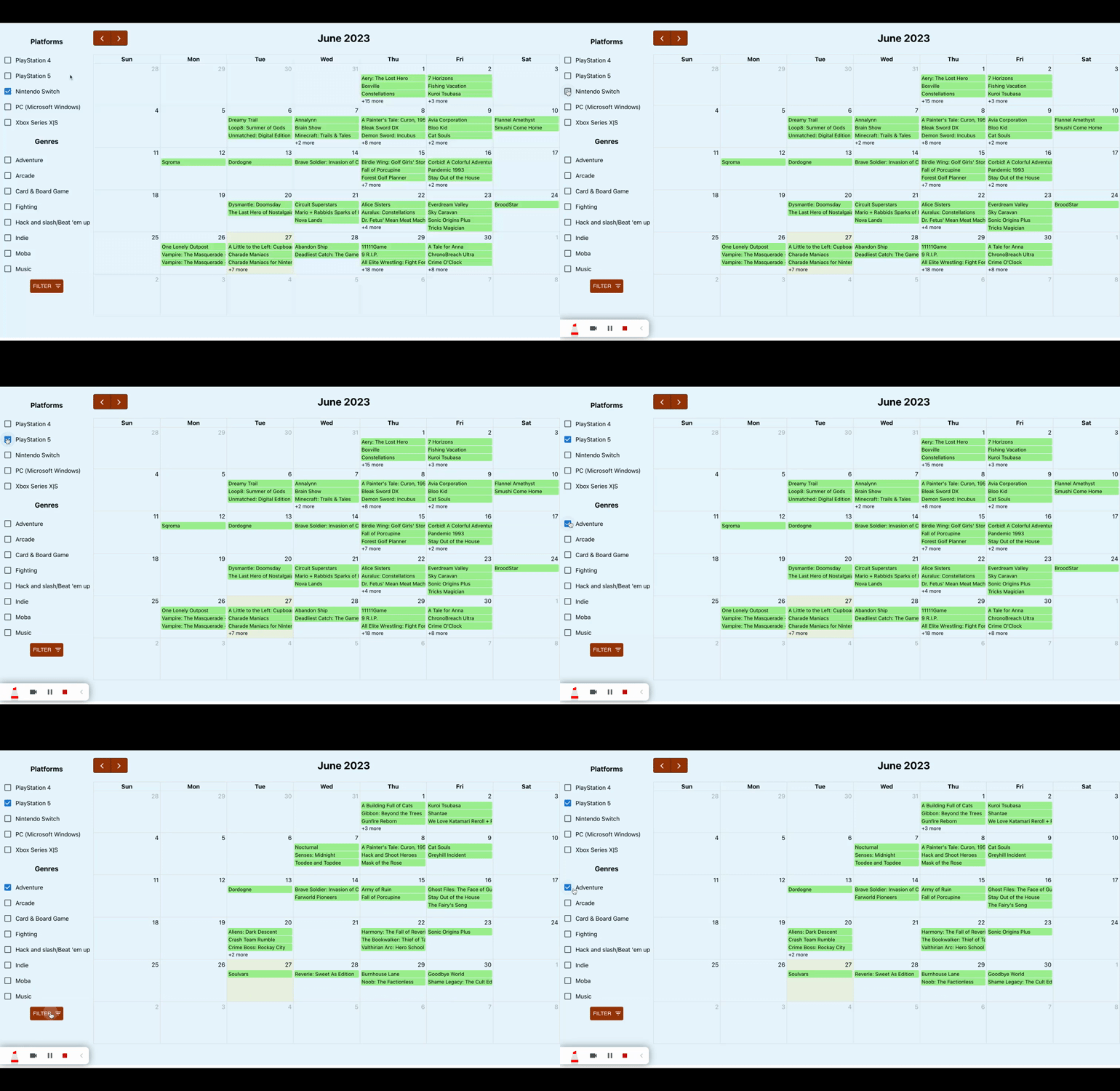
At the moment, I’m accounting for two filter criteria: platform and genre. The gif below shows the results.
Backend
Thankfully I had done groundwork up front when I was working on handling the API response. In an earlier commit, I included handling platforms for a game. From there, adding in genre was fairly straightforward, with one caveat: not all games have genres defined. I only found this out when I was looking through a few example response objects. The genres field is slightly different from the platforms field, where all games have platforms defined.
Here is an example of raw response data (edited to make a point):
I take that response object and map the game to a given date, adding in fields for a list of platforms and a list of genres. Here is what an example of the mapped data looks like:
Python has really powerful methods for working with lists. List comprehension, once you get the hang of the syntax, offers concise statements for what would otherwise be verbose declarations. To deal with nested objects and lists, some that contained ‘null’ data, I started off with nested for loops. Once I got used to the structure, I worked my backwards into list comprehension, eventually producing the following statement:
genres = [genre['name'] for genre in res['genres']] if res.get('genres') else []
Frontend
A user chooses a combination of platforms and/or genres they want to see releases for and when the filter button is clicked, the set of games matching the selected criteria are shown. This is my filtering function:
const applyFilters = game_data => {
// 1. check for filter criteria
    let hasFilters = consoleFilters.length > 0 || genreFilters.length > 0;

// 2. set a variable we're going to manipulate and return
    let filtered_games = game_data;

// 3. do filtering based on selected filter criteria
    if (hasFilters) {
        if (consoleFilters.length > 0 && genreFilters.length > 0) {
            filtered_games = game_data.filter(
                game => game.platforms.some(
                    console => consoleFilters.includes(console)
                )
                && game.genres.some(genre => genreFilters.includes(genre))
            );
        } else if (consoleFilters.length > 0) {
            filtered_games = game_data.filter(
                game => game.platforms.some(
                    platform => consoleFilters.includes(platform)
                ));
        } else {
            filtered_games = game_data.filter(
                game => game.genres.some(
                    genre => genreFilters.includes(genre)
                ));
        }
    }

// 4. return filtered list
    return filtered_games;
}
This function is invoked in two cases, 1. when a user clicks the filter button and 2. when a user goes to the next or previous month. In both cases, I’m calling this on the full list of game data returned from the server call. This ensures that I’m able to return to the full list of games if I’ve already applied multiple filters.
In my next post, I’ll get into hover and click functionality for the games.
Starting off, I just want to say, it’s easy in the course of building something, to forget to celebrate the small wins. This blog entry is a reminder for myself to celebrate the small wins.
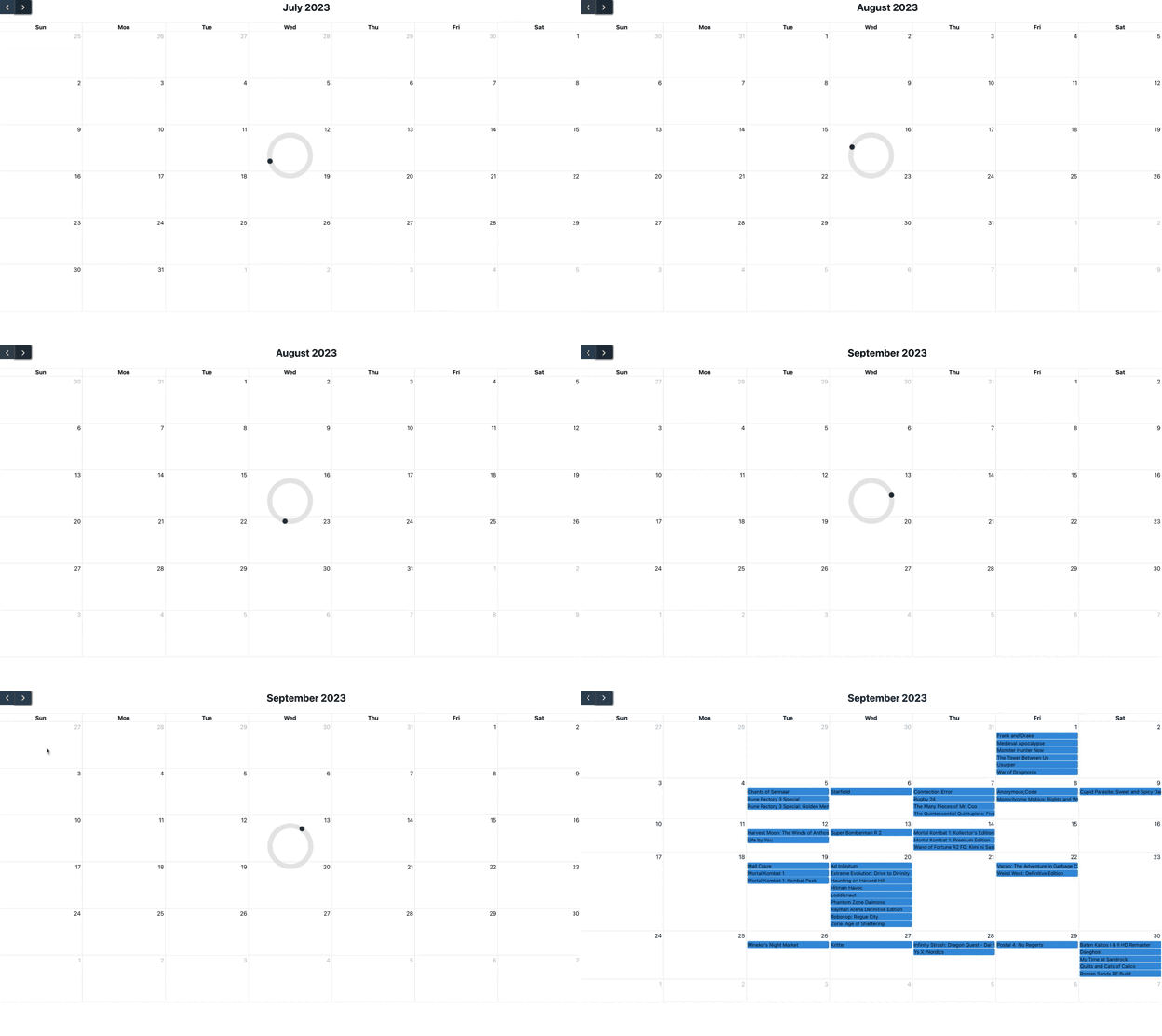
After figuring out how to make API requests with the IGDB API and format the response in JSON by date, my recent task has been to find a way to visualize the API response in a browser. Because I want to view them in monthly increments (as a proof of concept), I’ve been poking around for a react calendar component and happened upon FullCalendar.io.
Here is the result of the past week:
TL;DR: in the gif above, I’m clicking the next month button, which is sending a request to the IGDB API, displaying a loading spinner, and populating a list of video game releases for the next month (August, then September)
General process of how I got to the above (mostly front end stuff):
installed the fullcalendar npm package locally and implemented a vanilla component in a .js file
experimented to see how it would display a list of json events
used a json file with a list of video games for June
installed moment.js to perform some date conversions
mapped over game data to create a format that the react component recognized
created a listener for the next + previous buttons (so I could make API calls for game releases)
this took more time than I’d like to admit 😅
ended up creating a listener for a click event, updating a hook, and making an API request based on the hook value change
installed axios to facilitate the API request
I spent a few hours running into a 404 error with my axios requests. I thought the problem was with my server-side logic, but it turns out I was missing a front-end proxy to my django code! Oops, just glad it didn’t take more time
rendered react-spinner component while waiting for the API response, adding some formatting to make it look pretty-ish
implemented useEffect() hook to set the month on page load (with an empty dependency array) to make sure I was loading data for the current month
Observations + open questions
The API request + response process could be improved
Maybe I could implement a caching mechanism to reduce load time
Could also improve the python API request logic for added efficiency
Not sure how to scale authentication for lots of requests
the IGDB API requires auth to use (had to register my app with Twitch, the maintainers of the API) and while fine for an individual user, a bunch of users and a bunch of requests could really complicate the process
Need a way to prioritize display of popular games
there’s no inherent way to do that in the current iteration of the API (which they explain is a result of a subjective and changing definition of popularity)
maybe there’s a way to scrape several sites for anticipated upcoming releases and then aggregate +/ assign a weight to those games?
I still feel really inexperienced with Django (and python classes). Familiarity and comfort will come with time and experience, but I feel like I’m barely scratching the surface in terms of comprehension and functionality
What’s next
I have been meaning to get a private repo started (oops). Now that I have this much working locally, I think now is the time. It might also be time to get this running in some docker containers.
In terms of functionality, I think the next couple of things I’m curious to implement are filters for platforms and customizing the display of events in a given day.


 Wayne Codes